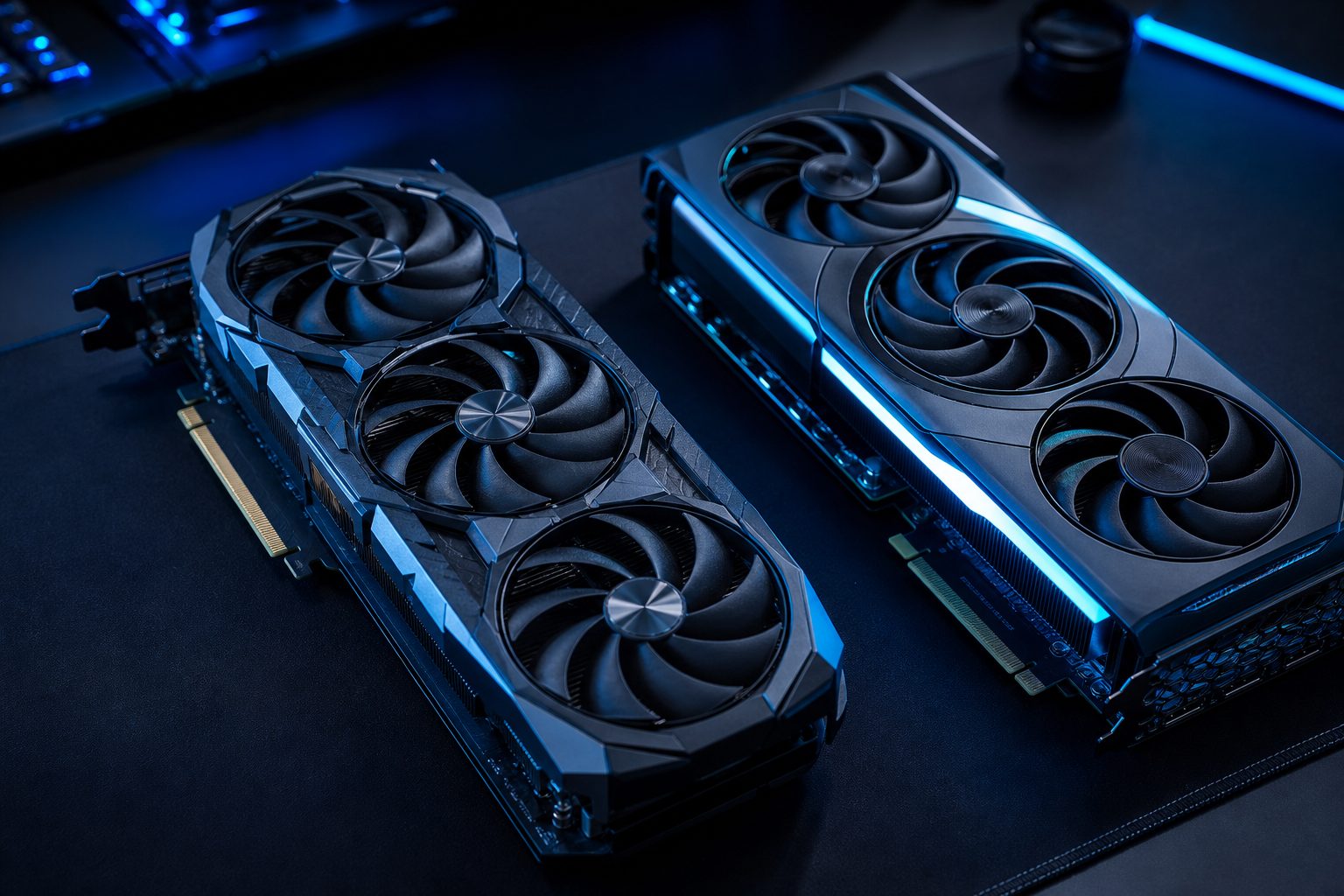
GPU Comparison Guide: Picking the Best Graphics Card
Choosing the right graphics card is a critical decision for any PC gamer. A proper GPU comparison helps gamers understand the vast array of options available, ensuring their system can handle the latest titles at desired settings. This guide provides a practical overview of how to evaluate graphics cards and make an informed purchase decision.
PCProfile offers extensive resources, including detailed FPS tables and game compatibility checks, to assist in this process. Understanding the core principles of GPU selection will empower you to leverage these tools effectively and optimize your gaming experience without overspending.
Understanding Key Metrics for Effective GPU Comparison
When performing a graphics card comparison, several technical specifications are crucial to consider. These metrics directly impact performance and overall gaming fluidity. Focusing on these details will clarify which cards align with your specific gaming needs.
Core Specifications: VRAM and Clock Speed
Video RAM (VRAM) is essential for storing textures and game data, especially at higher resolutions and settings. More VRAM generally translates to better performance in demanding games. Clock speed, measured in MHz, indicates how fast the GPU processes data; higher speeds usually mean more raw power.
However, comparing VRAM and clock speed alone is not enough. The GPU architecture and overall design play a significant role in how efficiently these resources are utilized. Modern GPUs often feature advanced architectures that deliver superior performance with seemingly lower clock speeds compared to older generations.
Performance Benchmarks and Real-World Gaming
Synthetic benchmarks provide standardized scores that allow for direct GPU comparison across different models. These benchmarks offer a quick way to gauge a card’s theoretical performance. However, real-world gaming benchmarks are often more indicative of actual in-game performance.
Reviewing frame-per-second (FPS) data from various games at your target resolution gives a clearer picture. PCProfile’s estimated FPS tables can be particularly useful here, showing how specific GPUs perform in popular titles. This practical data helps bridge the gap between theoretical specifications and actual gameplay.
Matching Your Graphics Card to Resolution and Budget
The ideal graphics card choice heavily depends on two primary factors: the resolution you plan to game at and your allocated budget. Balancing these two elements ensures you get the best GPU for your specific setup without unnecessary expense.
Resolution Matters: 1080p, 1440p, 4K
Different resolutions require varying levels of GPU power. For 1080p gaming, many mid-range graphics cards offer excellent performance. Stepping up to 1440p demands a more powerful GPU to maintain high frame rates. True 4K gaming, especially with high settings, requires top-tier graphics cards to deliver a smooth experience.
Consider your monitor’s native resolution first. Investing in a GPU far beyond what your monitor can display is often inefficient. Conversely, an underpowered GPU will struggle to drive high-resolution displays effectively.
Budgeting for Your Best GPU
Establishing a clear budget is crucial before diving deep into a graphics card comparison. GPUs span a wide price range, from entry-level options to premium enthusiast cards. Determine how much you are willing to spend, then explore the best performing cards within that price bracket.
Remember that a graphics card is just one component of a gaming PC. Allocate funds for other essential parts like a CPU, RAM, and storage. PCProfile’s resources can help you understand how different components interact, ensuring a balanced system build for your budget.
Bottom line
A thoughtful GPU comparison is essential for any gamer looking to optimize their setup. By understanding key specifications, consulting performance benchmarks, and aligning choices with your resolution and budget, you can confidently select the ideal graphics card. Utilize PCProfile’s comprehensive tools to further refine your decision and ensure a superior gaming experience.
Latest in GPU Comparisons
The discussion around integrated vs dedicated graphics often centers on performance, especially when it comes to gaming. For many years, integrated GPUs.
When building or upgrading a gaming PC, the choice of a 1080p graphics card is crucial, and the debate of RTX 4060…
Choosing the right graphics card for high-resolution gaming can be a significant decision, especially when targeting the popular 1440p sweet spot. The.
Frequently asked questions
What is the most important factor in a GPU comparison?
The most important factor often depends on individual needs, but overall performance in real-world gaming benchmarks at your target resolution is usually key. While specifications like VRAM and clock speed are important, how they translate into actual FPS in your favorite games provides the most practical insight.
How does VRAM affect gaming performance?
VRAM (Video RAM) stores game textures, models, and other graphical data. More VRAM allows a graphics card to handle higher resolution textures and more complex scenes without performance bottlenecks. It is particularly crucial for gaming at 1440p, 4K, or with very high graphical settings.
Why should resolution influence my graphics card choice?
Resolution directly impacts the number of pixels a graphics card must render. Higher resolutions like 4K demand significantly more processing power than 1080p. Choosing a GPU that matches your monitor's native resolution ensures optimal performance and prevents either overspending on an overpowered card or experiencing poor frame rates with an underpowered one.
When is it time to upgrade my graphics card?
It is generally time to upgrade your graphics card when current games no longer run at acceptable frame rates or settings for your preferences. Another sign is when new game releases consistently fall below your desired performance targets, even after adjusting in-game settings. Regularly checking PCProfile's compatibility tools can also indicate when your GPU is becoming a bottleneck.