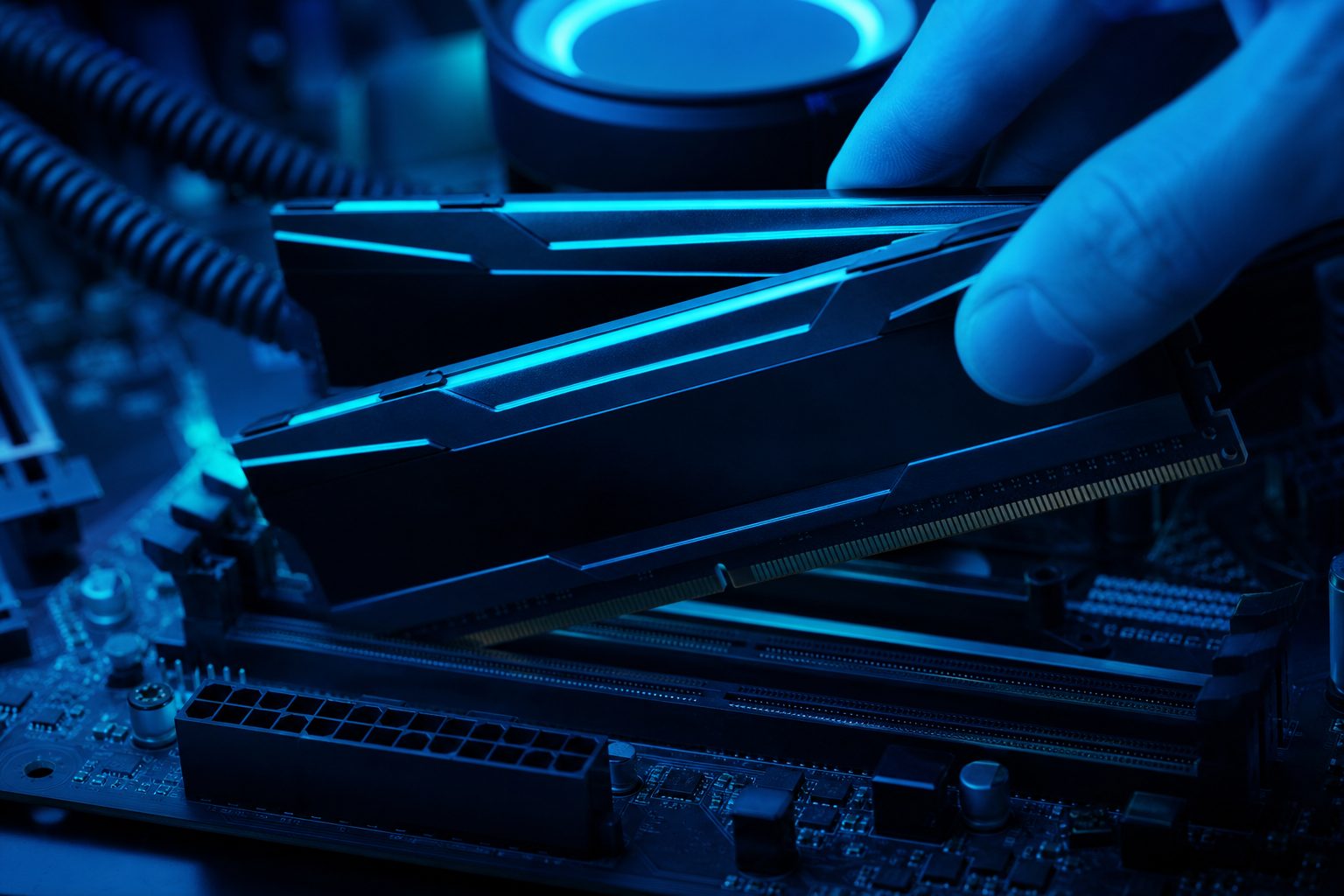
RAM for Gaming Performance: How Much Memory is Needed?
Understanding RAM for gaming is crucial for maximizing PC performance. Many players wonder how much memory games demand and when a RAM upgrade boosts Frames Per Second (FPS). RAM acts as your system’s short-term memory, storing active game data. Choosing the right amount ensures smooth gameplay and improved loading times. This overview helps assess your setup for optimal gaming.
Understanding RAM’s Role in Gaming
Random Access Memory (RAM) is vital for any gaming rig. It provides fast access to data the CPU and GPU frequently need. Game files and textures load into RAM for quick retrieval. Insufficient RAM causes stuttering or crashes, forcing the system to use slower storage as virtual memory.
How Much RAM for Gaming is Enough?
The optimal amount of RAM for gaming has evolved. Your specific needs depend on the games played and multitasking habits. We examine common capacities to help you decide.
16GB RAM: The Current Standard
For most contemporary games, 16GB of RAM remains the solid recommendation. This capacity allows AAA titles to run smoothly without memory bottlenecks. It provides enough headroom for the game, OS, and background applications, making 16GB a sweet spot for dedicated gaming PCs.
32GB RAM: When an Upgrade Helps
While 16GB is generally sufficient, an upgrade to 32GB RAM benefits specific scenarios. Gamers who stream, edit video, or run multiple demanding applications alongside games will see tangible improvement. Heavy multitasking consumes memory quickly. Certain memory-intensive simulation games or extensive modding also leverage 32GB. The 16GB vs 32GB decision depends on budget and specific user habits.
Bottom line
Choosing the right amount of RAM for gaming involves balancing needs and budget. While 16GB is standard, understanding 32GB’s benefits for specific use cases is key. Don’t let insufficient RAM hold back your gaming experience. For personalized insights into how your PC stacks up against specific game requirements, visit PCProfile. Our platform offers compatibility checks and estimated FPS tables to guide your hardware decisions.
Latest in RAM for Gaming
Determining how much RAM for gaming is optimal remains a frequent question among PC enthusiasts. System RAM, or Random Access Memory, plays…
The debate around DDR4 vs DDR5 gaming performance is a hot topic for PC builders and enthusiasts alike. With each new generation…
Frequently asked questions
What is the primary function of RAM for gaming?
RAM stores data the CPU and GPU actively use, such as game assets and executable code. This allows quick retrieval and smooth operation, preventing bottlenecks from slower storage drives.
How does 16GB vs 32GB RAM impact game performance?
For most games, 16GB RAM is sufficient. While 32GB offers marginal FPS gains for games alone, it significantly benefits heavy multitaskers, streamers, or players of memory-intensive simulation titles.
When should a gamer consider upgrading their RAM?
Consider upgrading RAM if you experience stuttering, long loading times, or crashes not due to other components. This is also advisable for users who multitask heavily or use memory-intensive applications alongside gaming.
Can upgrading RAM improve FPS significantly in all games?
Upgrading RAM primarily helps if your current memory is a bottleneck. If you have less than 16GB, an upgrade will likely bring significant FPS improvements. However, moving from 16GB to 32GB yields substantial FPS gains only in very specific, memory-intensive scenarios.