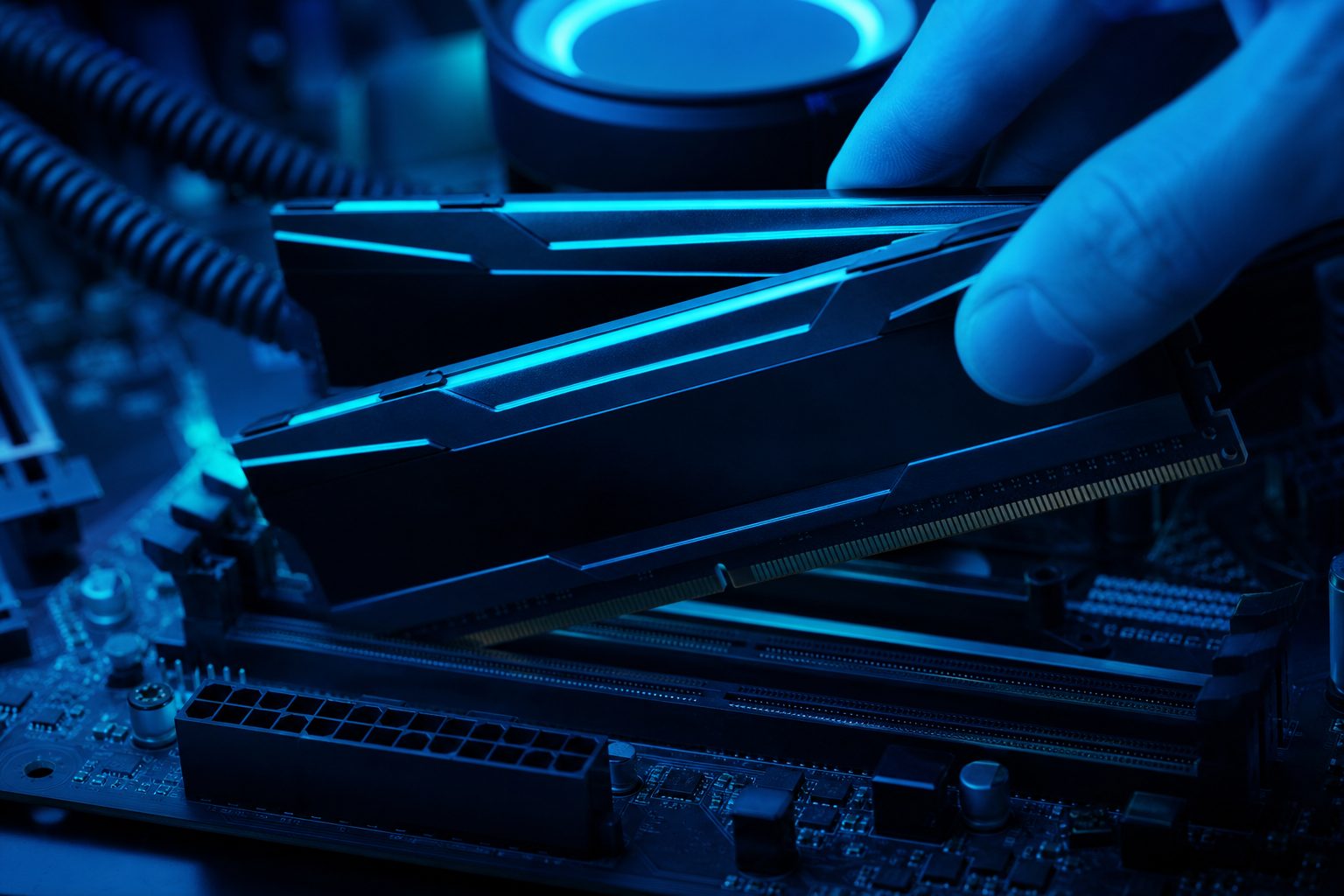
How Much RAM for Gaming Matters: 16GB vs 32GB Performance Tested
Determining how much RAM for gaming is optimal remains a frequent question among PC enthusiasts. System RAM, or Random Access Memory, plays a critical role in storing active data for your operating system and applications, including games. The debate often centers on whether 16GB RAM is sufficient or if an upgrade to 32GB RAM offers a significant advantage.
This article delves into the practical differences between 16GB and 32GB RAM configurations. It examines real-world game requirements, performance benchmarks, and specific scenarios where one capacity might outperform the other. Understanding these distinctions helps gamers make informed decisions about their hardware investments.
Understanding RAM’s Role in Gaming Performance
RAM functions as a high-speed, temporary storage area for data that the CPU needs to access quickly. When playing a game, the operating system, game files, textures, and other assets are loaded into RAM. This allows the CPU and GPU to retrieve information rapidly, preventing bottlenecks and ensuring smooth gameplay.
Insufficient RAM can lead to performance issues such as stuttering, longer loading times, and even game crashes. When the system runs out of physical RAM, it resorts to using virtual memory on the storage drive, which is significantly slower. This swap to slower storage can severely impact the gaming experience.
What RAM Actually Does for Games
Games utilize RAM to store various elements necessary for immediate access. This includes:
- Game executable files and libraries
- Currently loaded levels and environments
- High-resolution textures and models
- Character data and AI routines
- Operating system processes and background applications
The amount of RAM required depends heavily on the game’s complexity, its graphical settings, and any background tasks running on the system. Modern AAA titles, especially those with vast open worlds and detailed graphics, tend to demand more RAM.
16GB RAM: The Gaming Sweet Spot
For the majority of PC gamers today, 16GB of RAM is widely considered the sweet spot. It provides ample capacity for most modern AAA titles to run smoothly without significant performance hitches. This capacity balances cost-effectiveness with robust gaming performance.
Many system builders and pre-built gaming PCs come equipped with 16GB RAM as the standard. This configuration handles demanding games at high settings, often leaving some overhead for essential background applications like Discord or web browsers.
Performance with Current-Gen Titles
Most contemporary games, including popular titles like Cyberpunk 2077, Assassin’s Creed Valhalla, and Call of Duty, list 16GB RAM as their recommended specification. Systems with 16GB RAM typically achieve stable frame rates and acceptable loading times in these games. Performance is generally consistent across various genres, from fast-paced shooters to expansive RPGs.
When 16GB RAM Might Fall Short
While 16GB RAM is generally sufficient, there are specific scenarios where it might show limitations. These include:
- Running extremely demanding simulation games with extensive mods.
- Simultaneously streaming gameplay, running content creation software, and playing a game.
- Using very high-resolution texture packs or graphics mods that significantly increase memory footprint.
- Operating with numerous background applications consuming substantial memory.
In such cases, users might observe occasional stuttering or slower response times as the system manages its memory.
32GB RAM: Future-Proofing and Power User Needs
Upgrading to 32GB RAM moves beyond the typical gaming requirements for many users. While it offers a larger buffer for future game releases and very specific workloads, the immediate gaming performance benefit over 16GB RAM is often marginal for most titles. This capacity is primarily beneficial for power users and those seeking maximum headroom.
The cost difference between 16GB and 32GB RAM has become less prohibitive, making 32GB an attractive option for users building high-end systems or those with specific professional needs alongside gaming.
Beyond Gaming: Multitasking and Content Creation
For users who frequently multitask with memory-intensive applications, 32GB RAM provides a clear advantage. This includes:
- Video editing and rendering software.
- 3D modeling and animation suites.
- Running multiple virtual machines simultaneously.
- Game development environments and compiling large codebases.
These applications can quickly consume vast amounts of RAM, and 32GB ensures smooth operation without system slowdowns. Gamers who also stream their gameplay or produce content will find 32GB RAM beneficial.
Demanding Games and Simulation Titles
A select few games, particularly highly modded titles or complex simulation games, can genuinely benefit from 32GB RAM. Flight simulators like Microsoft Flight Simulator 2020, especially with high-resolution texture packs and numerous add-ons, can push past 16GB of usage. Similarly, city builders with massive populations or heavily modded open-world games might see fewer stutters with increased RAM capacity.
16GB vs 32GB RAM: Real-World Gaming Benchmarks
Numerous benchmarks and real-world tests have compared the gaming performance of 16GB versus 32GB RAM. The consistent finding is that for the vast majority of games, the difference in average frame rates (FPS) is negligible. Most games simply do not utilize more than 16GB of RAM, even at high settings.
The primary benefit of 32GB RAM for gaming often comes in scenarios where the system is nearing its 16GB limit. This can manifest as improved frame stability, fewer micro-stutters, and faster loading times in specific, very demanding situations, rather than a significant boost to average FPS.
FPS Gains and Frame Stability
In titles like Apex Legends, Valorant, or even more demanding games like Red Dead Redemption 2, benchmarks show that a system with 32GB RAM rarely achieves significantly higher average FPS compared to an identical system with 16GB RAM. The performance delta is often within the margin of error or only a few frames per second, which is imperceptible to most players.
However, 32GB RAM can provide a larger buffer, which may reduce instances of frame drops or stuttering when memory usage approaches its limit. This contributes to a smoother overall experience, even if the average FPS remains similar.
Memory Utilization in Popular Games
Monitoring tools typically show that most modern games consume between 8GB and 14GB of RAM during gameplay. Even with background applications running, a 16GB system usually has enough headroom. Only in extreme cases, such as running multiple memory-intensive applications simultaneously or using specific high-end flight simulators, does RAM usage consistently exceed 16GB. For the average gamer, 16GB RAM remains perfectly adequate.
Factors Beyond RAM Capacity for Optimal Gaming
While understanding how much RAM for gaming is important, RAM capacity is only one piece of the performance puzzle. Other factors significantly influence overall gaming performance. Focusing solely on RAM capacity without considering these elements might lead to suboptimal hardware choices.
Optimizing a gaming PC involves a holistic approach, where all components work in synergy. A balanced system configuration often yields better results than simply maximizing one specification like RAM.
The Importance of RAM Speed and Latency
Beyond capacity, the speed (measured in MHz) and latency (CAS Latency or CL) of your RAM modules play a crucial role. Faster RAM with lower latency can provide a more noticeable performance boost than simply increasing capacity, especially for CPU-intensive games and Ryzen processors. Higher speeds allow the CPU to access data more quickly, leading to better frame rates and responsiveness.
For optimal performance, it is often recommended to use dual-channel RAM configurations (two sticks of RAM) rather than a single stick, as this doubles the memory bandwidth.
CPU and GPU Synergy
The CPU and GPU are the primary determinants of gaming performance. A powerful graphics card is essential for high frame rates and visual fidelity, while a capable CPU ensures the game’s logic and physics run smoothly. Even with abundant RAM, a weak CPU or GPU will bottleneck performance. Prioritizing these components often yields greater gaming improvements than simply increasing RAM beyond 16GB.
Deciding Your Ideal RAM Capacity
The choice between 16GB and 32GB RAM ultimately depends on individual usage patterns, budget, and future plans. There is no single answer for how much RAM for gaming is best for everyone. Evaluating your specific needs helps in making the most cost-effective and performance-enhancing decision.
Consider your current gaming habits, any professional tasks you perform, and your budget before committing to a specific RAM capacity. Upgrading RAM is often a straightforward process, allowing for future expansion if your needs change.
Budget-Conscious Gamer
For gamers on a budget or those primarily focused on playing current titles without heavy multitasking, 16GB of high-speed RAM remains the most sensible choice. It offers excellent performance for the price and allows resources to be allocated to a stronger GPU or CPU, which will likely have a greater impact on gaming FPS.
Enthusiast and Professional User
Users who frequently stream, create content, run virtual machines, play highly demanding simulation games, or simply want to future-proof their system should consider 32GB RAM. This capacity provides peace of mind, ample headroom for intensive tasks, and ensures the system can handle whatever is thrown at it for years to come without needing an immediate RAM upgrade.
Bottom line
The question of how much RAM for gaming boils down to individual needs and usage. For the vast majority of players, 16GB RAM remains the optimal choice, delivering excellent performance across current-generation titles without unnecessary expense. The performance difference between 16GB vs 32GB RAM is often minimal in pure gaming scenarios.
However, for content creators, streamers, and those playing exceptionally demanding simulation games, 32GB RAM offers a valuable buffer and enhanced multitasking capabilities. Ultimately, ensuring a balanced system with a strong CPU and GPU, alongside appropriate RAM speed, will provide the best gaming experience. To see if your current setup is ready for your favorite games, use PCProfile’s compatibility checker today!
Frequently asked questions
Is 16GB RAM enough for gaming in 2024?
Yes, 16GB of RAM is generally sufficient for gaming in 2024. Most modern AAA titles recommend 16GB and run smoothly at this capacity. It provides a good balance of performance and cost for the average gamer.
What are the main benefits of 32GB RAM over 16GB RAM for gaming?
The main benefits of 32GB RAM over 16GB for gaming include better frame stability in very demanding games, improved performance during heavy multitasking (like streaming and gaming simultaneously), and more headroom for future titles or extensive modding. Pure FPS gains are often minimal.
Does RAM speed matter more than capacity for gaming?
Both RAM speed and capacity are important. For most gaming scenarios, having sufficient capacity (like 16GB) is crucial, but faster RAM with lower latency can provide more noticeable performance improvements than simply increasing capacity beyond 16GB. A balanced approach considering both is ideal.
Will upgrading from 16GB to 32GB RAM increase my FPS in games?
For most games, upgrading from 16GB to 32GB RAM will likely result in negligible increases in average FPS. However, it can improve minimum FPS, reduce stuttering, and provide a smoother experience in specific memory-intensive titles or when running many background applications.
When should a gamer consider 32GB RAM?
A gamer should consider 32GB RAM if they frequently stream, create content (video editing, 3D modeling), run multiple virtual machines, play highly demanding simulation games with many mods, or simply want to future-proof their high-end system for the next few years.
How can I check my current RAM usage while gaming?
You can check your current RAM usage while gaming using tools like Task Manager (Windows Key + Shift + Esc, then go to the 'Performance' tab and select 'Memory'). Alternatively, third-party monitoring software like MSI Afterburner or HWMonitor can provide detailed real-time statistics.