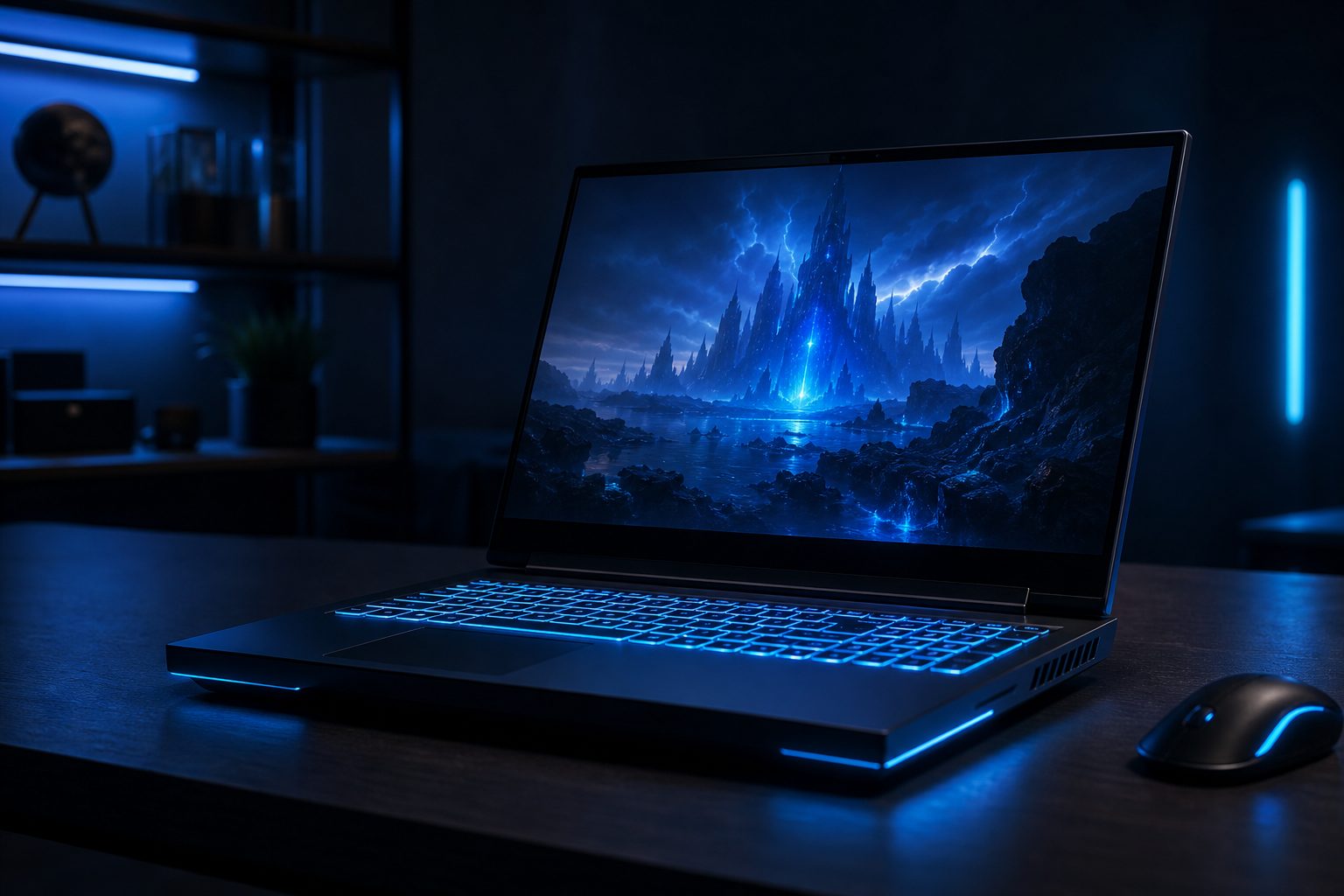
Gaming Laptop Specs Explained: Your Ultimate Buying Guide
Understanding crucial gaming laptop specs is the first step toward a satisfying portable gaming experience. Many aspiring gamers find themselves overwhelmed by the technical jargon and endless options available on the market. Without proper guidance, it is easy to invest in a machine that falls short of expectations, leading to frustrating frame rates and unplayable titles.
This comprehensive gaming laptop buying guide provides clear, practical insights into the core components that dictate performance. It aims to demystify specifications, helping users make informed decisions that align with their gaming needs and budget. By focusing on the right hardware, gamers can ensure their new laptop runs their favorite titles smoothly and efficiently.
CPU: The Brain Behind Your Gaming Laptop Specs
The Central Processing Unit (CPU) is the brain of any computer, including a gaming laptop. It handles general computing tasks, game logic, AI, and physics calculations. For gaming, a powerful CPU ensures smoother gameplay, especially in CPU-intensive titles or when multitasking.
Modern gaming laptops typically feature processors from Intel (Core i5, i7, i9) or AMD (Ryzen 5, 7, 9). Higher numbers generally indicate more cores, threads, and faster clock speeds, which translate to better performance. Prioritizing at least an Intel Core i7 or AMD Ryzen 7 from recent generations is a good starting point for serious gaming.
Understanding Core Count and Clock Speed
Core count refers to the number of individual processing units within the CPU. More cores allow the CPU to handle multiple tasks simultaneously, which benefits modern games that utilize multi-threading. Clock speed, measured in GHz, indicates how many cycles the CPU can execute per second.
While both are important, a balanced approach is best. A CPU with a good balance of high clock speeds and sufficient cores (e.g., 6-8 cores) provides excellent gaming performance. This ensures that the laptop can manage both game execution and background processes without bottlenecks.
GPU: The Heart of Gaming Performance
The Graphics Processing Unit (GPU) is arguably the most critical component for any gaming laptop. It is responsible for rendering all the visuals on the screen, from detailed textures to complex lighting effects. A powerful GPU directly translates to higher frame rates and the ability to play games at higher resolutions and graphical settings.
NVIDIA GeForce RTX series and AMD Radeon RX series are the dominant players in the gaming laptop market. When reviewing gaming laptop specs, pay close attention to the GPU model. Models like RTX 4060, RTX 4070, or RX 7700S and above are excellent choices for modern gaming at 1080p or even 1440p resolutions.
Dedicated vs. Integrated Graphics
Gaming laptops exclusively use dedicated GPUs, which have their own memory (VRAM) and processing power. Integrated graphics, found in non-gaming laptops, share system RAM and are not powerful enough for demanding games. Always confirm the laptop features a dedicated GPU for gaming.
The amount of VRAM is also important, especially for higher resolutions and texture settings. A minimum of 8GB VRAM is recommended for current-generation games, with 12GB or 16GB being ideal for future-proofing and ultra settings. This ensures the GPU has enough memory to handle complex graphical assets.
RAM: Multitasking and Game Loading
Random Access Memory (RAM) acts as a short-term data storage for your CPU, allowing quick access to actively used programs and game assets. While it does not directly impact frame rates as much as the GPU, insufficient RAM can lead to stuttering, longer loading times, and poor multitasking performance.
For a gaming laptop, 16GB of DDR4 or DDR5 RAM is the sweet spot for most users. This capacity allows games to run smoothly alongside background applications like Discord or web browsers. While 8GB can suffice for older or less demanding titles, it is quickly becoming a bottleneck for modern AAA games.
RAM Speed and Upgradeability
RAM speed, measured in MHz, also contributes to overall system responsiveness. Faster RAM can provide a marginal performance boost in some games. DDR5 RAM is the current standard, offering higher speeds and improved efficiency over DDR4.
Consider laptops that offer upgradeable RAM slots. This allows users to easily expand their memory to 32GB in the future if their needs evolve. Checking the maximum supported RAM and the number of available slots is a smart move when evaluating gaming laptop specs.
Storage: Speed and Capacity Considerations
Storage refers to how games and other data are saved on your laptop. For gaming, both speed and capacity are crucial. Slow storage can result in long loading screens and texture pop-in, while insufficient capacity means constantly uninstalling games to make room for new ones.
Solid State Drives (SSDs) are essential for gaming laptops. Specifically, NVMe PCIe SSDs offer significantly faster read/write speeds compared to older SATA SSDs or traditional Hard Disk Drives (HDDs). An NVMe SSD drastically reduces game loading times and overall system responsiveness.
Balancing Speed with Capacity
A 512GB NVMe SSD should be considered the absolute minimum for a gaming laptop, but 1TB is highly recommended. Modern games can easily consume 50-100GB or more, making larger storage capacities more practical. Some laptops offer dual-drive configurations, combining a smaller, fast SSD for the OS and main games with a larger HDD for bulk storage, though this is less common now.
Look for laptops that allow for easy storage upgrades. Having an additional M.2 slot or a bay for a 2.5-inch drive can provide flexibility for future expansion. This foresight ensures users do not run out of space as their game library grows.
Display: Visuals and Immersion
The display is the window to your game world, and its specifications significantly impact the visual experience. Key factors include resolution, refresh rate, and panel type. Neglecting display quality can undermine the power of even the best gaming laptop specs.
A 1080p (Full HD) resolution is standard for most gaming laptops, offering a good balance between visual fidelity and performance. For those with powerful GPUs, 1440p (QHD) displays offer sharper images, but demand more from the graphics card. 4K displays are generally overkill for gaming laptops due to performance demands and the small screen size.
Refresh Rate and Panel Technology
Refresh rate, measured in Hz, indicates how many times the screen updates per second. Higher refresh rates (120Hz, 144Hz, 240Hz, or even 360Hz) result in smoother motion and a more responsive feel, crucial for competitive gaming. Aim for at least 120Hz for a truly fluid gaming experience.
IPS panels are common in gaming laptops, offering excellent color accuracy and wide viewing angles. Response time, typically 3ms or 5ms, is also important to minimize motion blur. Additionally, look for adaptive sync technologies like NVIDIA G-Sync or AMD FreeSync, which synchronize the display’s refresh rate with the GPU’s frame output to eliminate screen tearing.
Cooling: Keeping Your System Chill
High-performance components generate significant heat, especially during intense gaming sessions. Effective cooling is paramount to prevent thermal throttling, where components reduce their performance to avoid overheating. Poor cooling can severely limit even the most impressive gaming laptop specs.
Manufacturers employ various cooling solutions, including multiple fans, heat pipes, and vapor chambers. While specific cooling designs are hard to evaluate without hands-on testing, look for laptops with robust ventilation systems and positive reviews regarding thermal management. Larger chassis often allow for better cooling solutions.
Battery Life and Portability: Beyond Raw Power
While raw performance is a priority, practical considerations like battery life and portability are also part of a complete gaming laptop buying guide. Gaming laptops are inherently less portable than ultrabooks, but some offer a better balance than others. Be realistic about expectations for battery life during gaming.
Gaming on battery power typically results in significantly reduced performance, as the system cannot draw enough power to run components at full throttle. Therefore, battery life is more relevant for productivity tasks or casual use when away from an outlet. Look for larger battery capacities (measured in Watt-hours, Wh) if unplugged usage is a priority.
Budgeting for Your Gaming Laptop: What to Expect
The price of a gaming laptop can vary widely depending on its specifications. Setting a realistic budget from the outset helps narrow down choices and manage expectations. High-end gaming laptop specs come with a premium price tag, but excellent value can be found in mid-range options.
Entry-level gaming laptops often feature an RTX 3050/4050 GPU and an i5/Ryzen 5 CPU, suitable for 1080p gaming at medium settings. Mid-range options with RTX 4060/4070 or RX 7700S and i7/Ryzen 7 CPUs offer a great balance of performance and cost. High-end models feature RTX 4080/4090 and i9/Ryzen 9, delivering top-tier performance for demanding gamers.
Bottom line
Navigating the world of gaming laptop specs does not have to be a daunting task. By focusing on the core components-CPU, GPU, RAM, storage, and display-users can make an informed decision that meets their gaming aspirations. Remember that balance is key; a well-rounded machine will always outperform one with a single overpowered component and several weak links.
This gaming laptop buying guide empowers users to confidently select a laptop that delivers exceptional performance and a truly immersive gaming experience. With the right specifications, your games will not just run, they will soar. Before making a final decision, consider checking your desired game’s system requirements against potential laptop specs using a tool like PCProfile for estimated performance benchmarks.
Frequently asked questions
What are the most important gaming laptop specs to consider?
The most crucial gaming laptop specs are the GPU (Graphics Processing Unit) and CPU (Central Processing Unit). The GPU handles game visuals and directly impacts frame rates, while the CPU manages game logic and overall system performance. RAM and SSD storage are also very important for smooth operation and quick loading times.
How much RAM is sufficient for a gaming laptop?
For most modern games, 16GB of DDR4 or DDR5 RAM is considered the ideal amount. This capacity ensures smooth gameplay, allows for multitasking, and prevents bottlenecks. While 8GB might suffice for older or less demanding titles, it is generally not recommended for a new gaming laptop purchase.
Why is an SSD important for gaming laptop specs?
An SSD (Solid State Drive), particularly an NVMe PCIe SSD, is vital for a gaming laptop because it offers significantly faster read and write speeds than traditional HDDs. This translates to drastically reduced game loading times, quicker boot-ups, and a more responsive overall system experience, improving the quality of life for gamers.
What display features should I look for in a gaming laptop?
For a gaming laptop display, prioritize a high refresh rate (120Hz or higher) for fluid motion, an IPS panel for good colors and viewing angles, and a low response time (3ms or 5ms). Full HD (1080p) resolution is standard, but QHD (1440p) is excellent for more powerful GPUs. Adaptive sync technologies like G-Sync or FreeSync are also beneficial.
Does cooling really matter for gaming laptop specs?
Yes, cooling is extremely important for gaming laptops. Powerful components generate a lot of heat, and effective cooling systems prevent thermal throttling. Thermal throttling occurs when components reduce their performance to avoid overheating, leading to lower frame rates and a diminished gaming experience. Good cooling ensures consistent peak performance.
When should I consider a high-end gaming laptop versus a mid-range one?
Consider a high-end gaming laptop if budget allows and you demand the absolute best performance for playing all new games at ultra settings, high resolutions (e.g., 1440p), or very high refresh rates. A mid-range laptop offers excellent value, providing strong performance for 1080p gaming at high settings, which is sufficient for most gamers without breaking the bank.